|
Client's Settings
2011/05/29 |
|
Configure for your Mail Client on your PC. This example shows with Windows Live Mail.
|
|
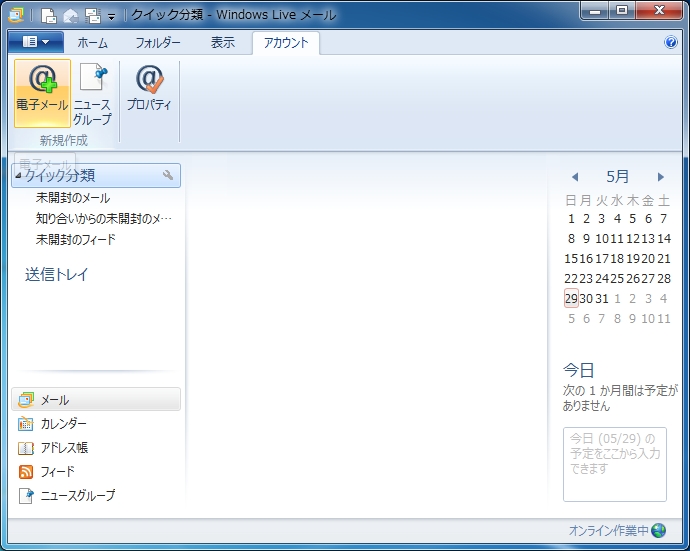
| [1] | Start Windows Live Mail and move to "Account" tab and Click "Email" button. |
|
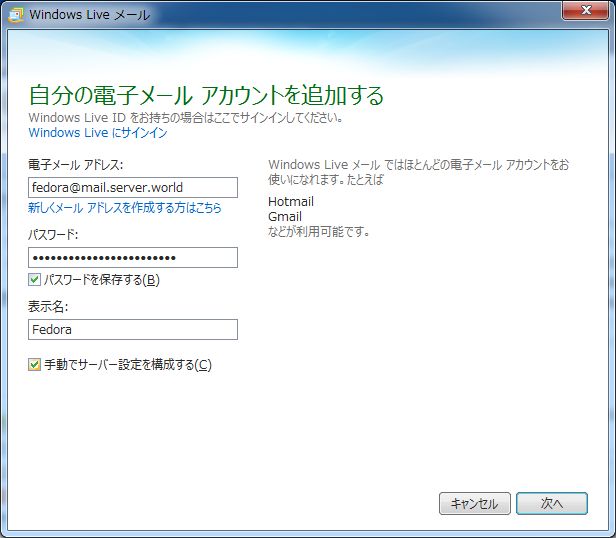
| [2] | Input email address, account's password, sender's name and check a box 'Configure Manually' and go next. |
|
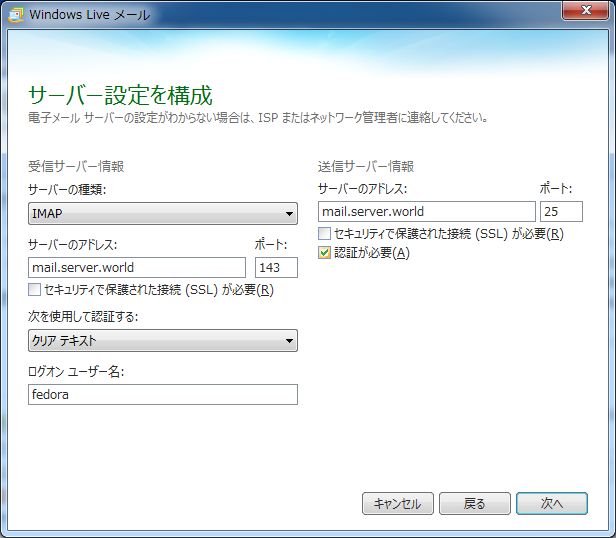
| [3] | Select IMAP or POP. This example selects IMAP. And input other information of your Mail server. Don't forget to check a box 'this server requires to authenticate' at the bottom. |
|
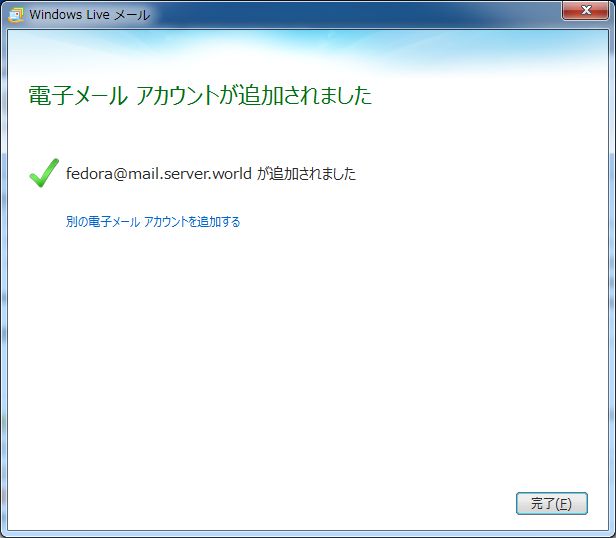
| [4] | Click 'Finish'. |
|
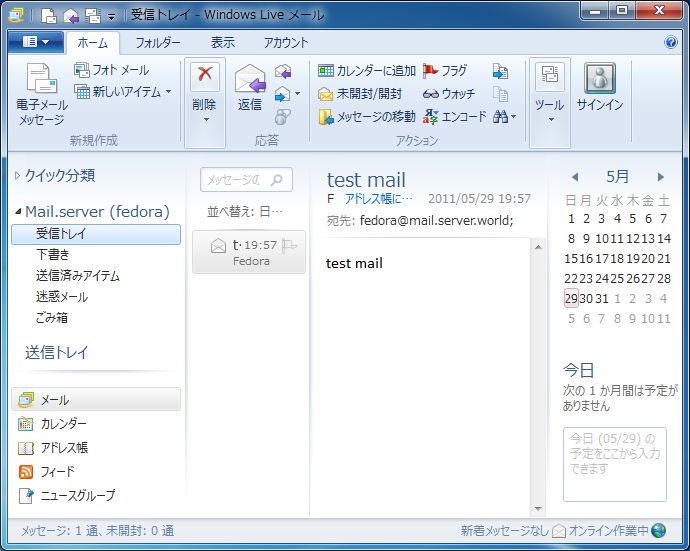
| [5] | Connect and get server's folder settings automatically. |
|